How do you place an order for your client in WHMCS
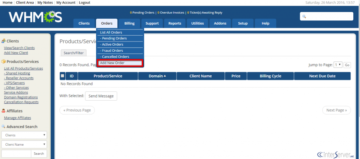
To place an order for a client in WHMCS, follow these steps: Log in to WHMCS Admin Panel: Use your admin credentials to access the WHMCS dashboard. Go to Clients Section: From the
To cancel an invoice in WHMCS, follow these steps: Log in to WHMCS Admin Panel: Use your admin credentials to access the WHMCS dashboard. Navigate to Billing: In the top menu, go to
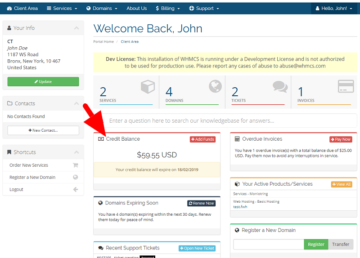
To add credit to a client’s wallet in WHMCS, follow these steps: Log into the WHMCS Admin Area. Go to Clients > View/Search Clients and select the desired client. On the client’s profile
To change the default currency for a specific client in WHMCS, follow these steps: Log into the WHMCS Admin Area. Navigate to Clients > View/Search Clients. Search for and select the client you
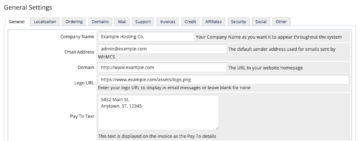
To configure the general settings in WHMCS, follow these steps: Log into the WHMCS Admin Area. Go to System Settings > General Settings from the dashboard. In the General Settings page, you’ll find
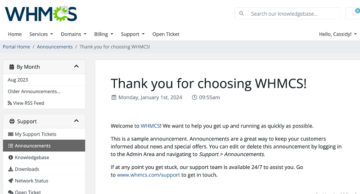
To add new announcements in WHMCS, follow these steps: Log into the WHMCS Admin Area. Go to Support > Announcements from the top menu. Click on Add New Announcement in the top right